

How do I manage my account?
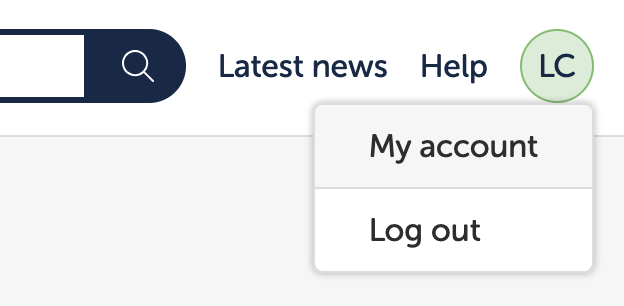
Log in using your teacher account details and hit your profile avatar in the top right of the screen (only available within the Teacher Dashboard). You should see a ‘My account’ and ‘Log out’ link. Tap ‘My account’.
Change my password
Navigate to your account within the teacher dashboard and select ‘Change password’ from the menu on the left.
Change my email address
Navigate to your account within the teacher dashboard and select ‘Personal details’ from the menu on the left.
Can I skip the school log in?
Yes. Teachers can now log in to the Teacher Dashboard directly.
Forgotten password
See Forgot password