

- From within the class view in the Admin section, check the boxes of the students that you wish to remove from the class.
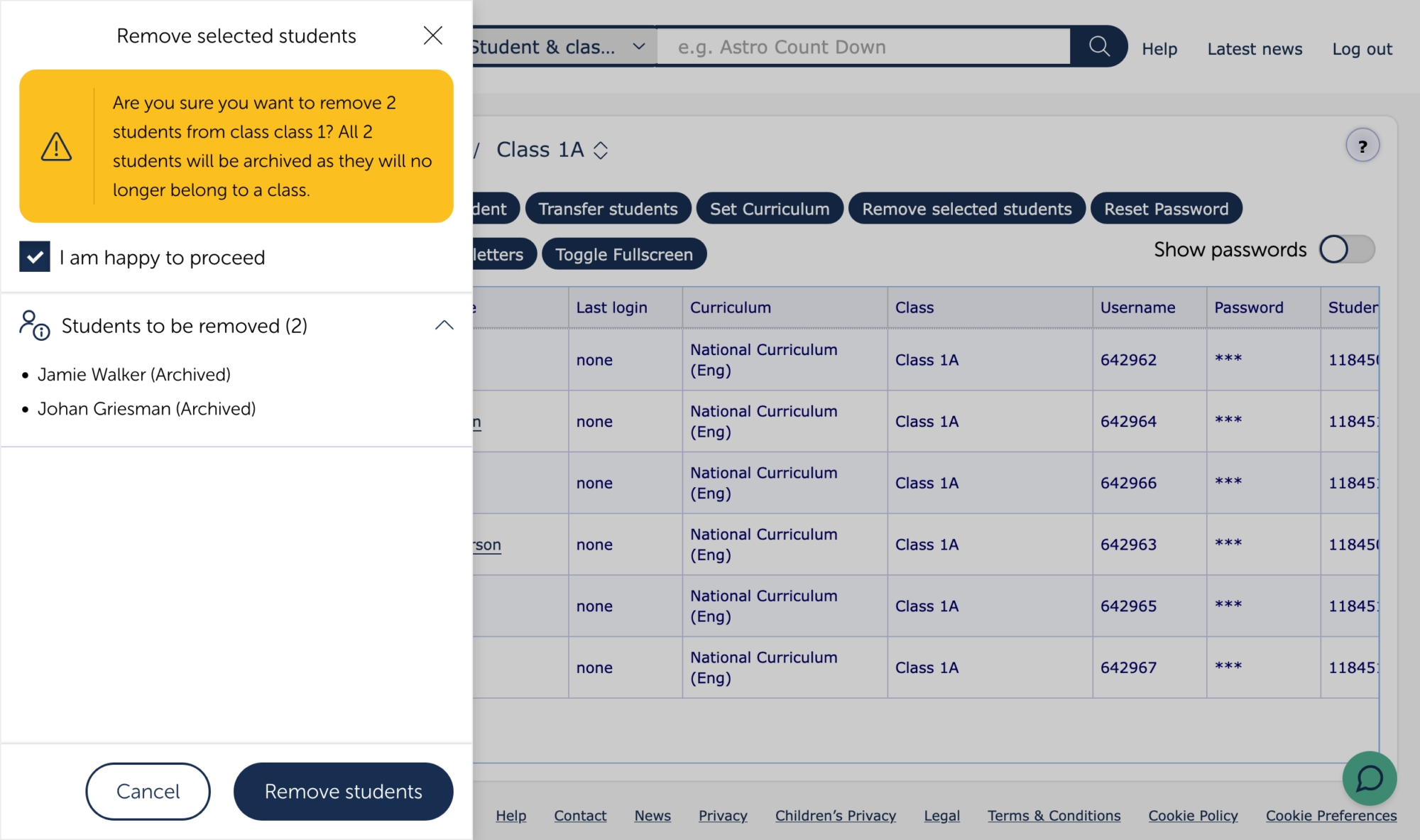
- Review the details. Note, students that are in a single class will be archived, from where it is possible to restore them. Students that are in more than one class will not be archived, and will remain in the other class(es) after removal from this one.
- Check the box to show you are happy to proceed and click the Remove students button at the bottom of the screen to complete the action.
Removing individual students from the student’s details screen allows you to remove students from specific classes, or if the student is in a single class, to archive them.
To remove a student from MyMaths permanently, go to Admin on the Admin homepage and select Archived students from the secondary menu. Locate the student you wish to remove and delete their record.
Please note: When a student is archived their details will be kept for one year and then automatically deleted. The columns in the Archived students table indicate when the student was added to the Archive and how many days they will remain there before automatic deletion. Deletion is permanent, so once a student is deleted either manually or automatically, their account cannot be restored.